Set a schedule
Choose apps, categories, and websites to block. Pick days and times, including overnight routines. Blocking starts and ends automatically.
Build your routineBlock distracting apps and websites on a schedule, start a block instantly, or keep only your essential apps available.
Free with one blocking rule. Monthly or lifetime Pro.
For iPhone and iPad · iOS / iPadOS 16+
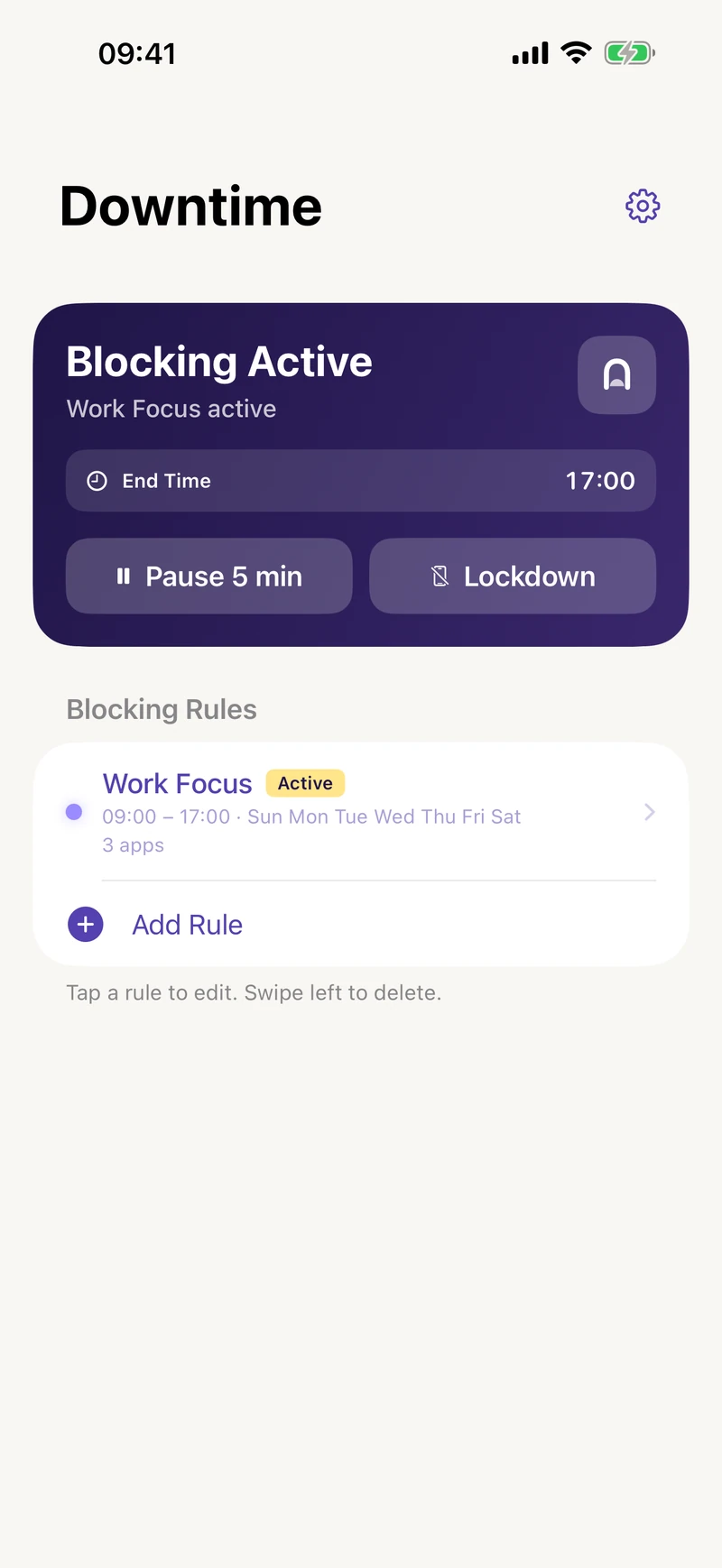
Three ways to make space
Choose apps, categories, and websites to block. Pick days and times, including overnight routines. Blocking starts and ends automatically.
Build your routineNeed to focus now? Immediately block the selections in all your enabled rules, without waiting for their scheduled start.
How Lockdown worksChoose the apps that stay available. Essentials Mode blocks the rest. Start it when you need it, or let a schedule take care of it.
Meet Essentials Mode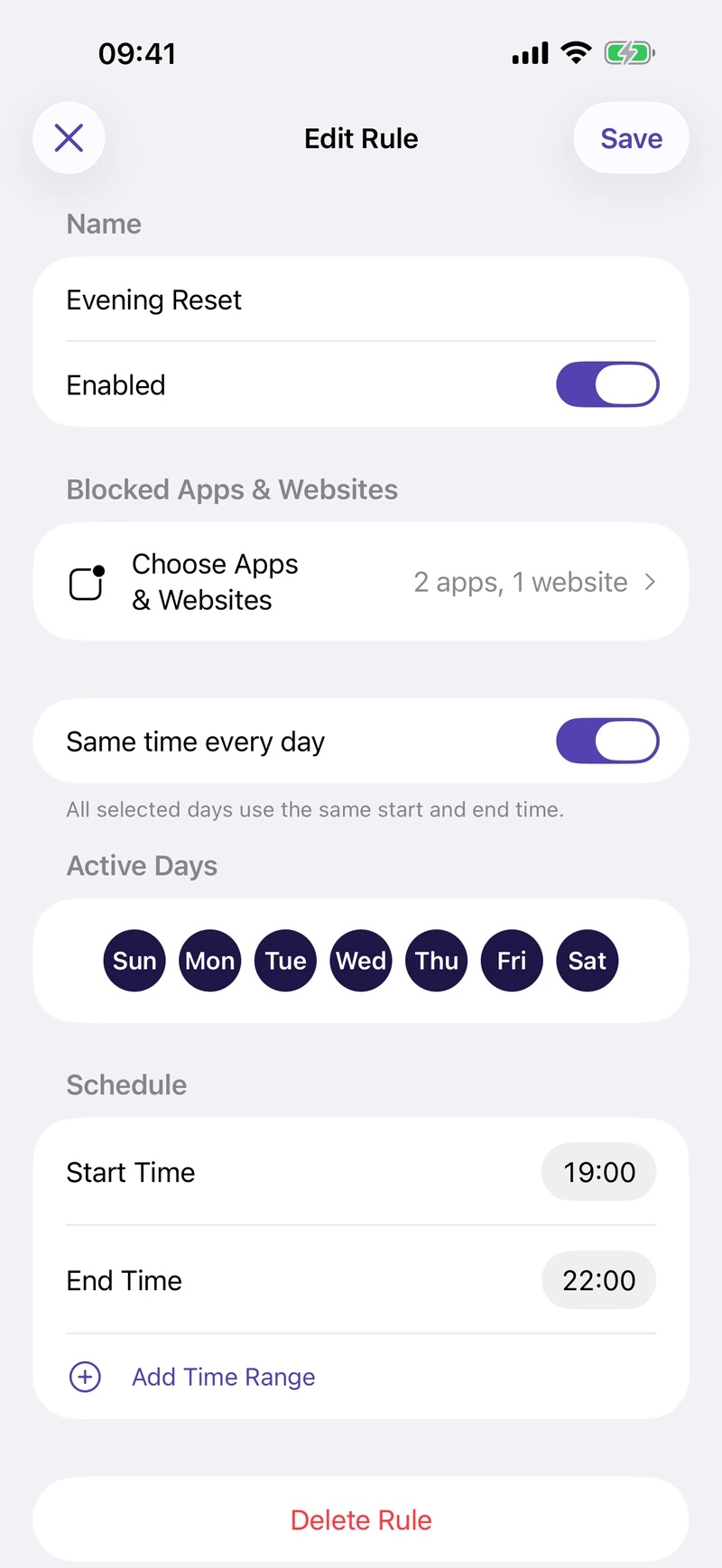
Scheduled blocking
Work hours, study sessions, or a bedtime cutoff. Give distracting apps and websites a place in your day, then let Downtime handle the boundary.
Start with one rule for free. Pro adds multiple rules for different parts of your day.
Essentials Mode Pro
Keep messages, maps, and the apps you choose available. Essentials Mode blocks other apps so your phone can stay useful without pulling you back in.
Start it manually or schedule it for evenings, work, or weekends. Scheduled Essentials Mode takes priority over regular rules; those rules resume afterward.
More about Essentials Mode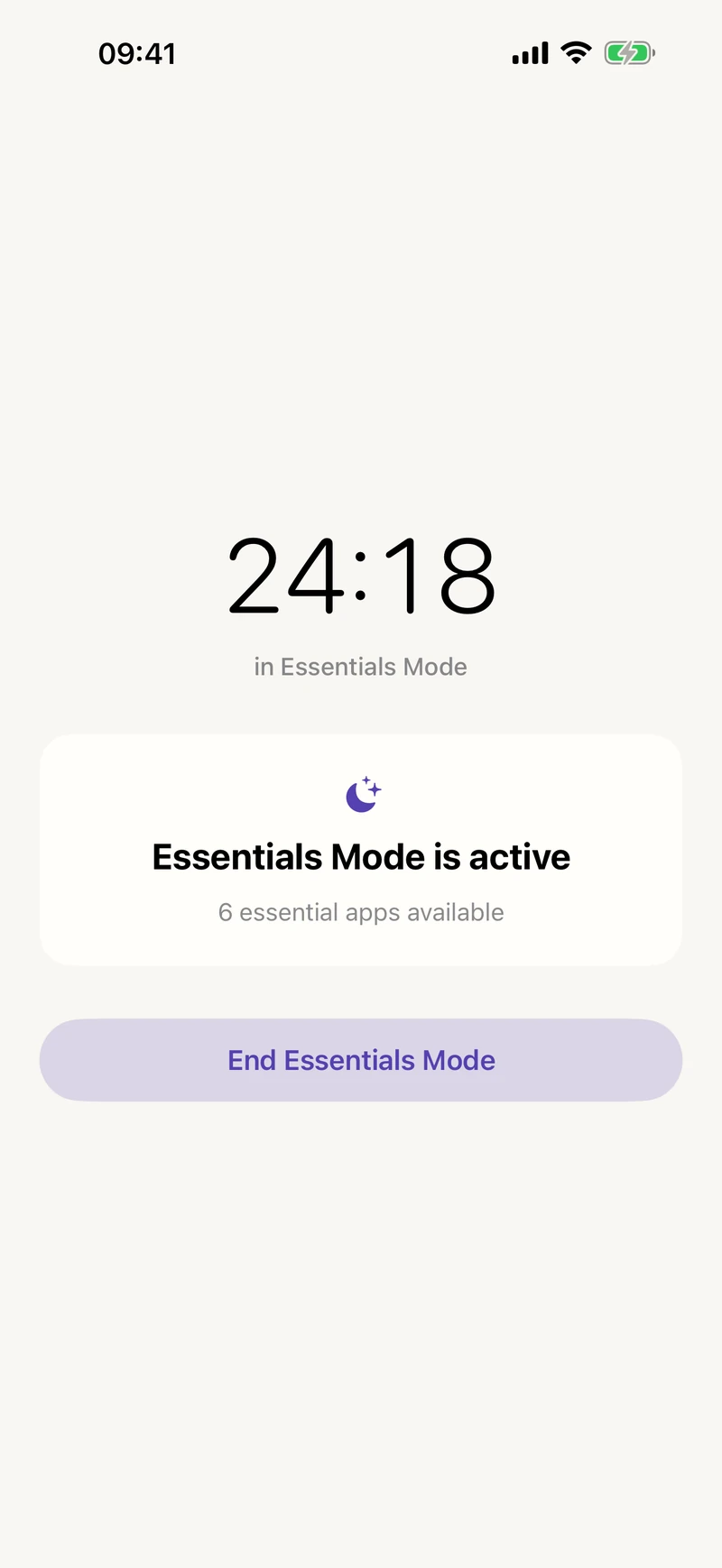
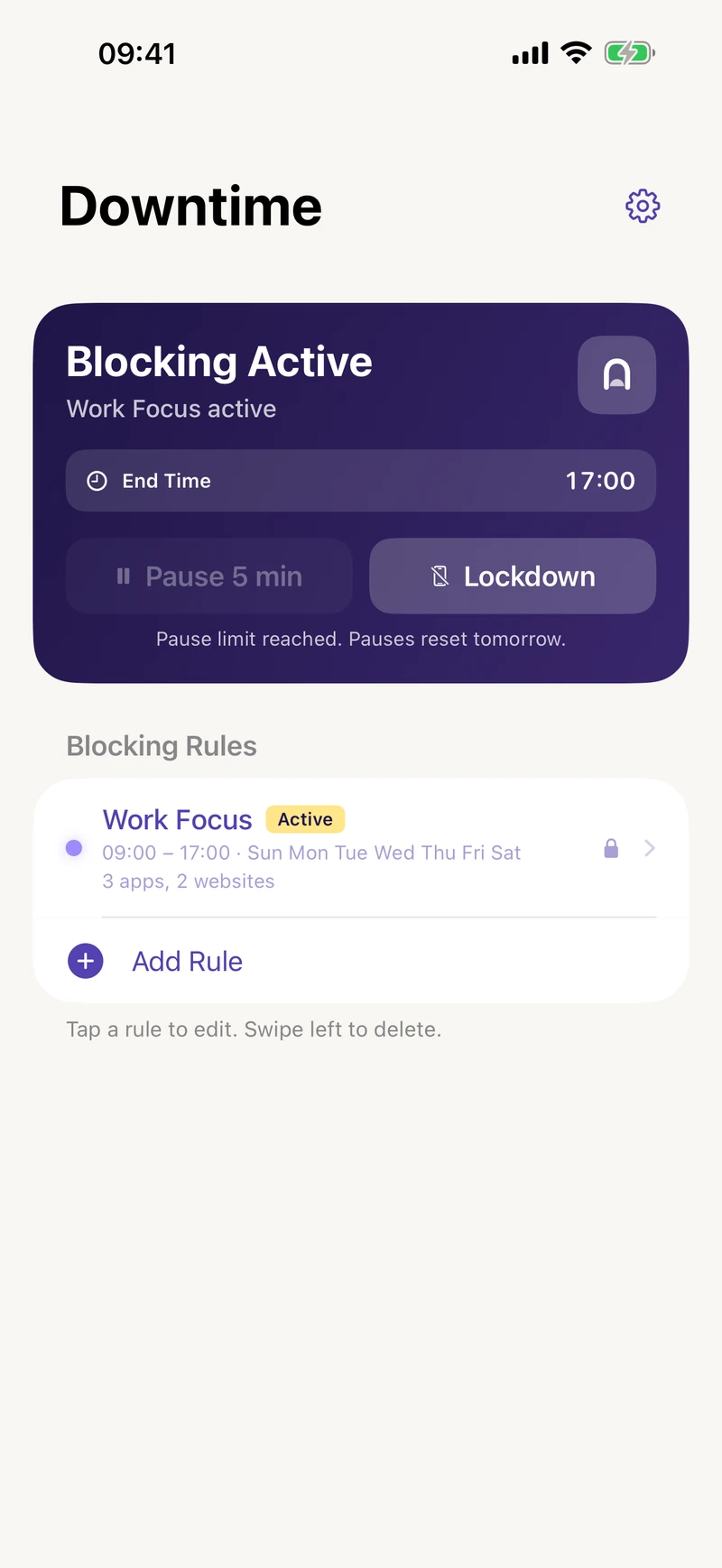
A little help sticking to it
Pause blocking for five minutes. Your block resumes automatically. With Pro, choose a daily allowance: none, 1, 2, 3, 5, or unlimited pauses.
Protect your rules and pause settings from impulsive changes. Switching Strict Mode off starts a one-hour waiting period.
Export your configuration to a file and import it when you need to restore your setup.
Free to start
Try one blocking rule for free. Get every Pro feature with monthly access or a one-time lifetime purchase.
| What’s included | Free | Pro |
|---|---|---|
| Scheduled app & website blocking | One rule | Multiple rules |
| Per-day & overnight schedules | Included | Included |
| Five-minute pauses | Unlimited | Set your daily allowance |
| Instant Lockdown | Not included | Included |
| Manual & scheduled Essentials Mode | Not included | Included |
| Strict Mode | Not included | Included |
| Configuration backup & restore | Not included | Included |
| No account or ads | Included | Included |
Monthly Pro renews automatically until cancelled. Lifetime Pro is a one-time purchase. See current local prices in the app. Some earlier users retain existing feature access.
Your phone. Your choices.
Your app and website selections, rule names, and schedules stay on your device. No account, ads, or cross-app tracking.
Product analytics and crash diagnostics are optional. Choose whether to share, and change your choice in Settings. Feedback diagnostics are shared only when you choose to send them.
Read the privacy policyQuick setup guides, plus answers to the details.
Make space for work, study, sleep, and everything in between.

For iPhone and iPad. Start free with one blocking rule.