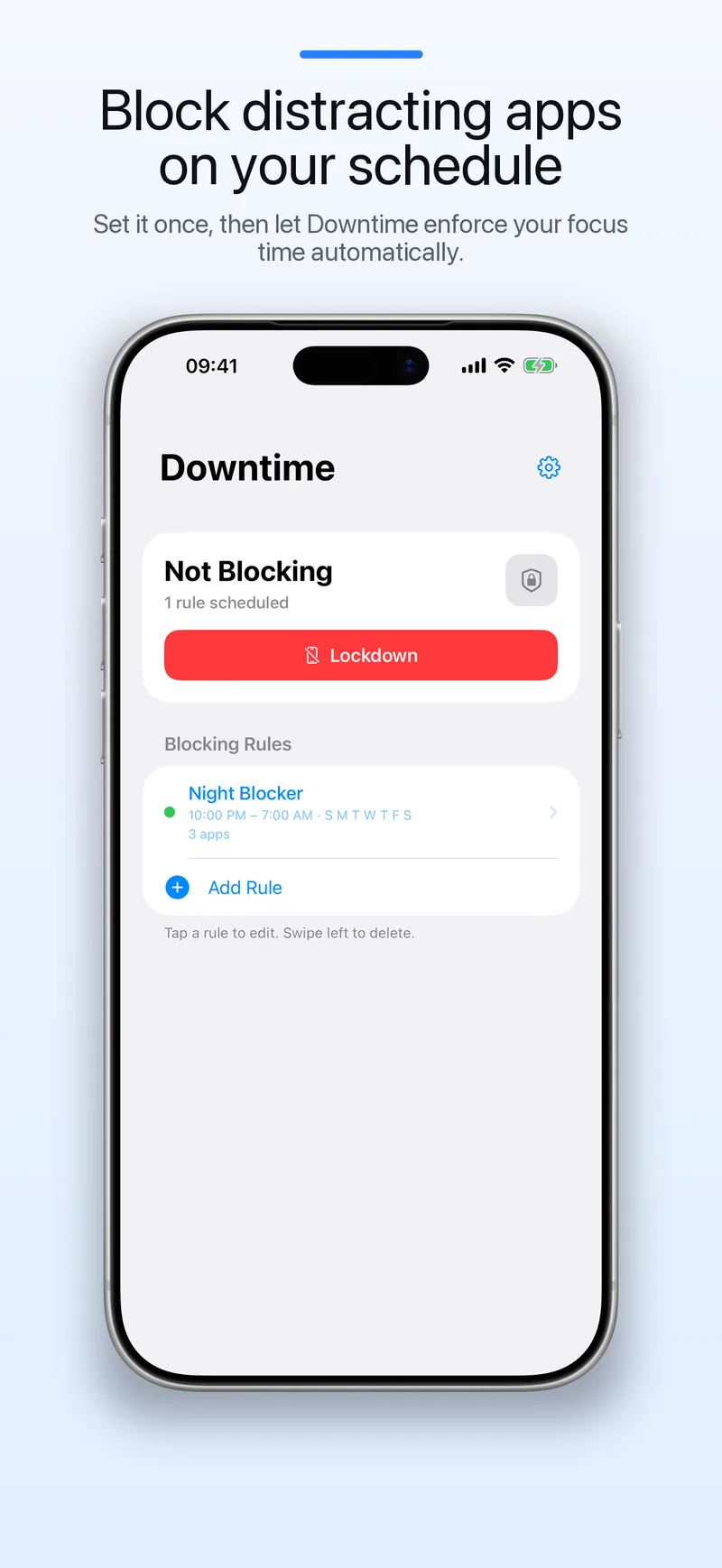
Block distracting apps and websites on a schedule.
Choose what to block and when. Start free with one schedule, then unlock unlimited schedules with a one-time purchase. No subscription.
One purchase. No recurring fee.
Use one blocking schedule for free. If you need more, Downtime Pro unlocks unlimited schedules with a one-time purchase.
- Schedule-based blocking instead of timer-only nudges.
- Apps and websites can be blocked in the same routine.
- No account, no tracking, and no subscription for Pro.
Set it once. Let it repeat.
Create schedules for work, study, evenings, or sleep. Downtime blocks your selected apps and websites automatically.
Set a schedule
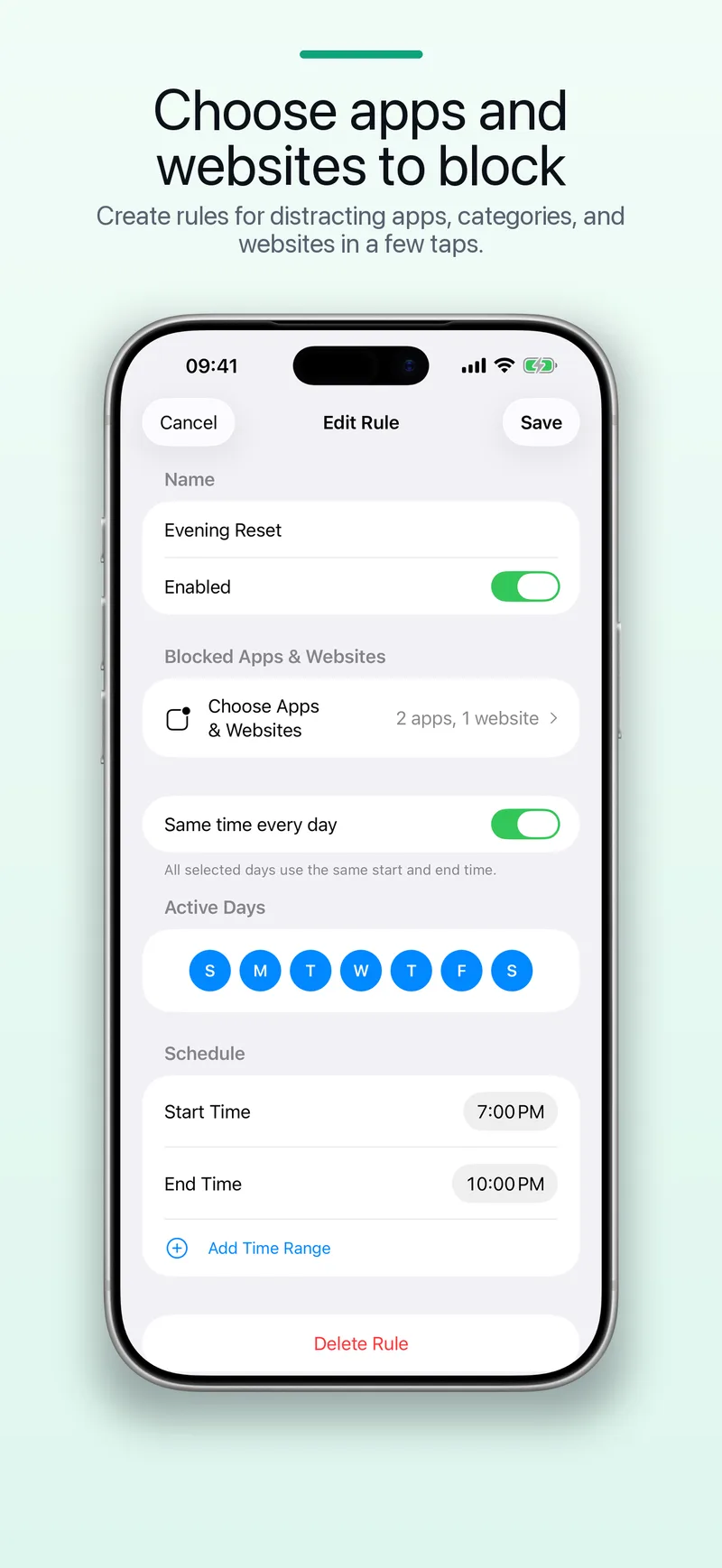
Choose start and end times, pick the days, and create overnight rules when your routine spans midnight.
Choose what to block
Pick specific apps, app categories, and selected websites using Apple's built-in Screen Time picker.
Let it run
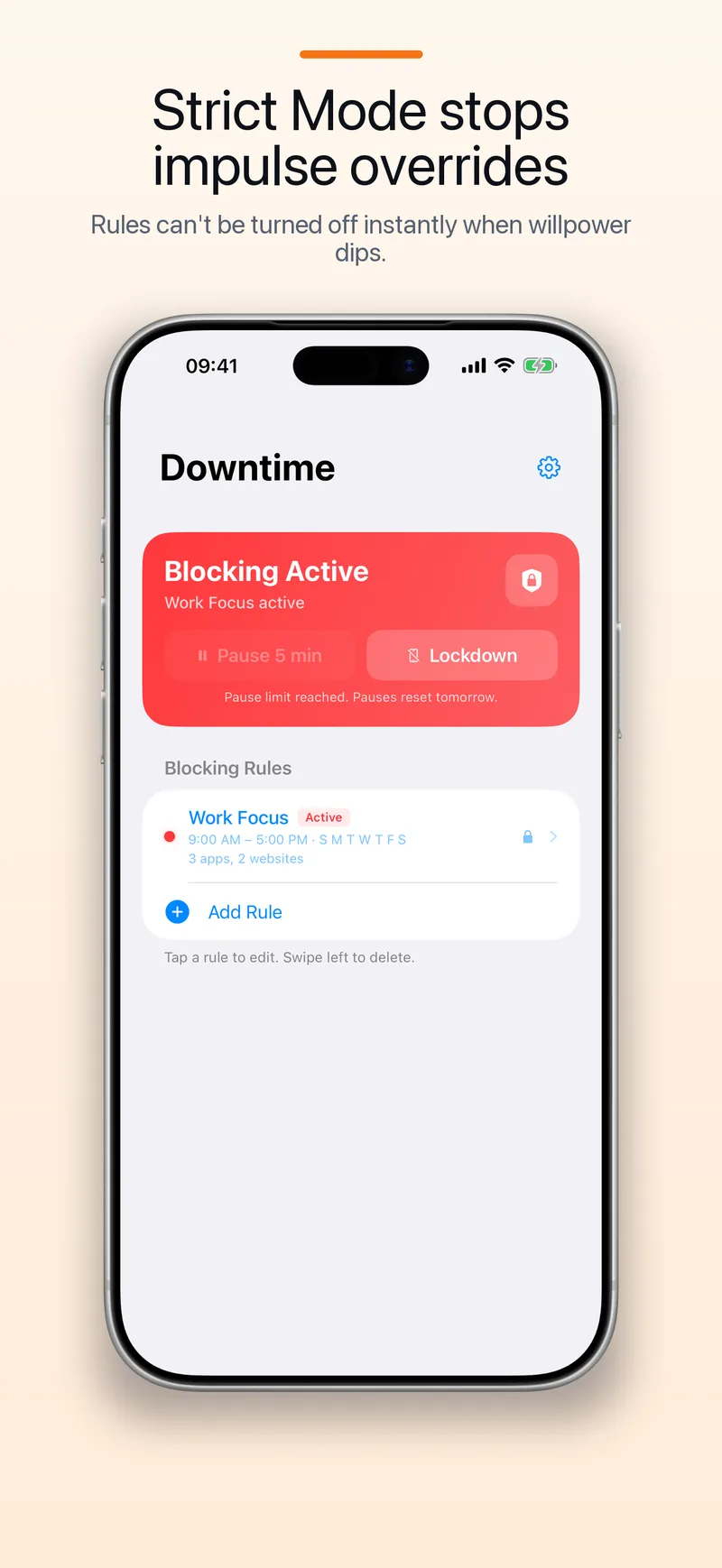
When your focus time starts, Downtime applies the block automatically, even when the app is not open.
Know when blocking is active.
Check the current schedule at a glance and see the shield when a blocked app is opened.
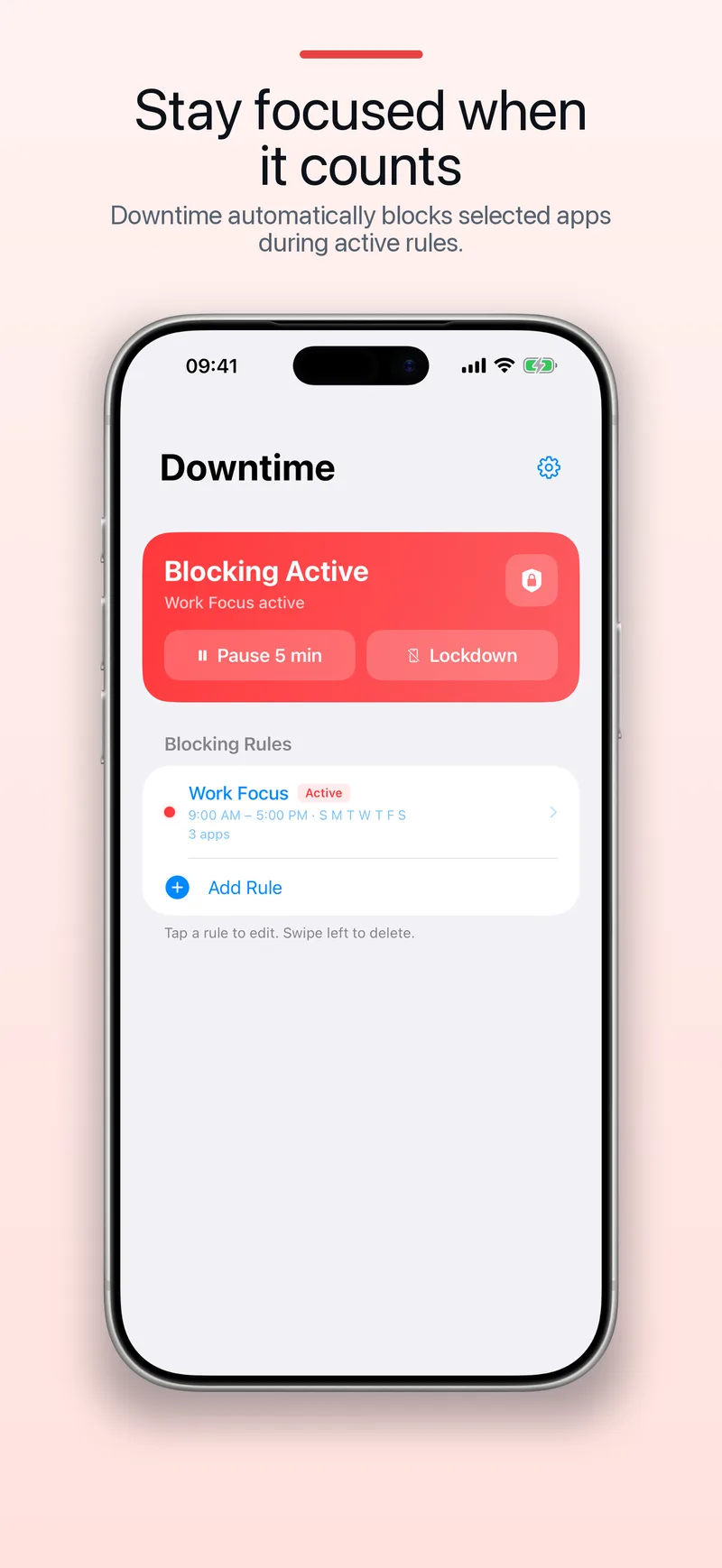
See exactly when blocking is active and which routine is currently in force.
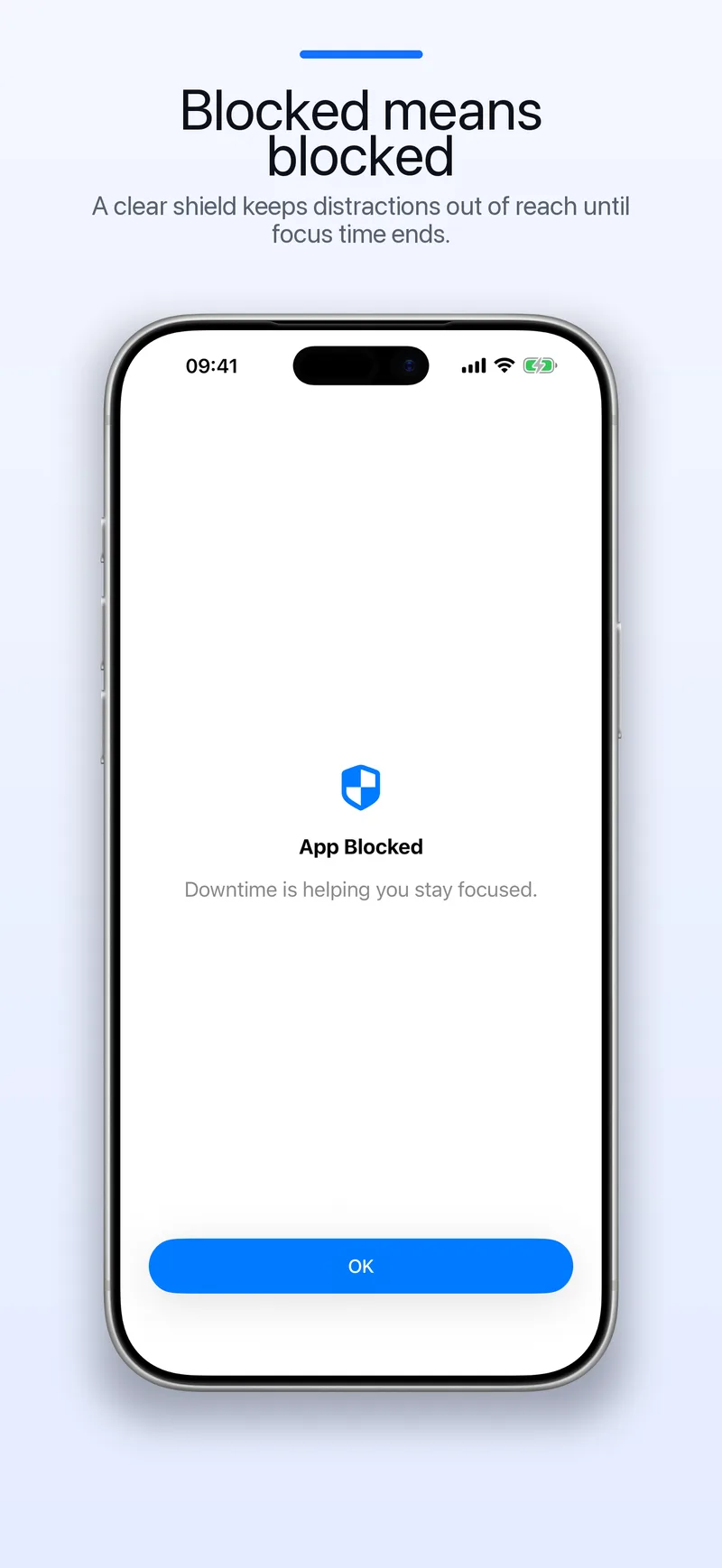
A clear shield replaces blocked apps while your schedule is active.
Simple by design.
Downtime focuses on scheduled blocking without accounts, tracking, or recurring payments.
One-time purchase
Downtime Pro unlocks unlimited schedules with a one-time purchase. No monthly or annual subscription to keep using your routines.
Private by default
No account, no ads, no analytics SDKs, and no server collecting what you block. Your rules stay on your device.
Schedule-first
Create fixed boundaries for evenings, study sessions, or workdays. Downtime applies them automatically.
Block the apps that distract you.
Follow a quick guide to set up scheduled blocking for popular apps and websites.
Block Instagram on iPhone
Keep Instagram unavailable during evenings, work, or study.
Block YouTube on iPhone
Keep YouTube available when you want it and blocked when you do not.
Website blocker for iPhone
Block distracting sites on the same schedule as your apps.
Questions about Downtime
Learn about pricing, privacy, Screen Time access, and supported schedules.
Make space for what matters.
Use separate schedules for the parts of your day when you want fewer distractions.
Study and deep work
Block Instagram, TikTok, Reddit, and selected websites during study sessions or work hours so the boundary happens automatically.
Nighttime phone limits
Use overnight schedules to block social apps after a set time and protect your sleep.
Intentional social media use
Keep apps installed, but make them unavailable during the times you want to protect.
Private on your iPhone
Your schedules stay on your device. No Downtime account is required.
Start with one schedule for free.
Download Downtime and block distracting apps and websites at the times you choose.