Block distracting websites on your iPhone.
Add selected websites and apps to the same schedule. Downtime blocks them automatically during work, study, evenings, or sleep.
Block websites at the times you choose
Keep news, social media, shopping, or any other selected websites unavailable during specific hours.
How website blocking works
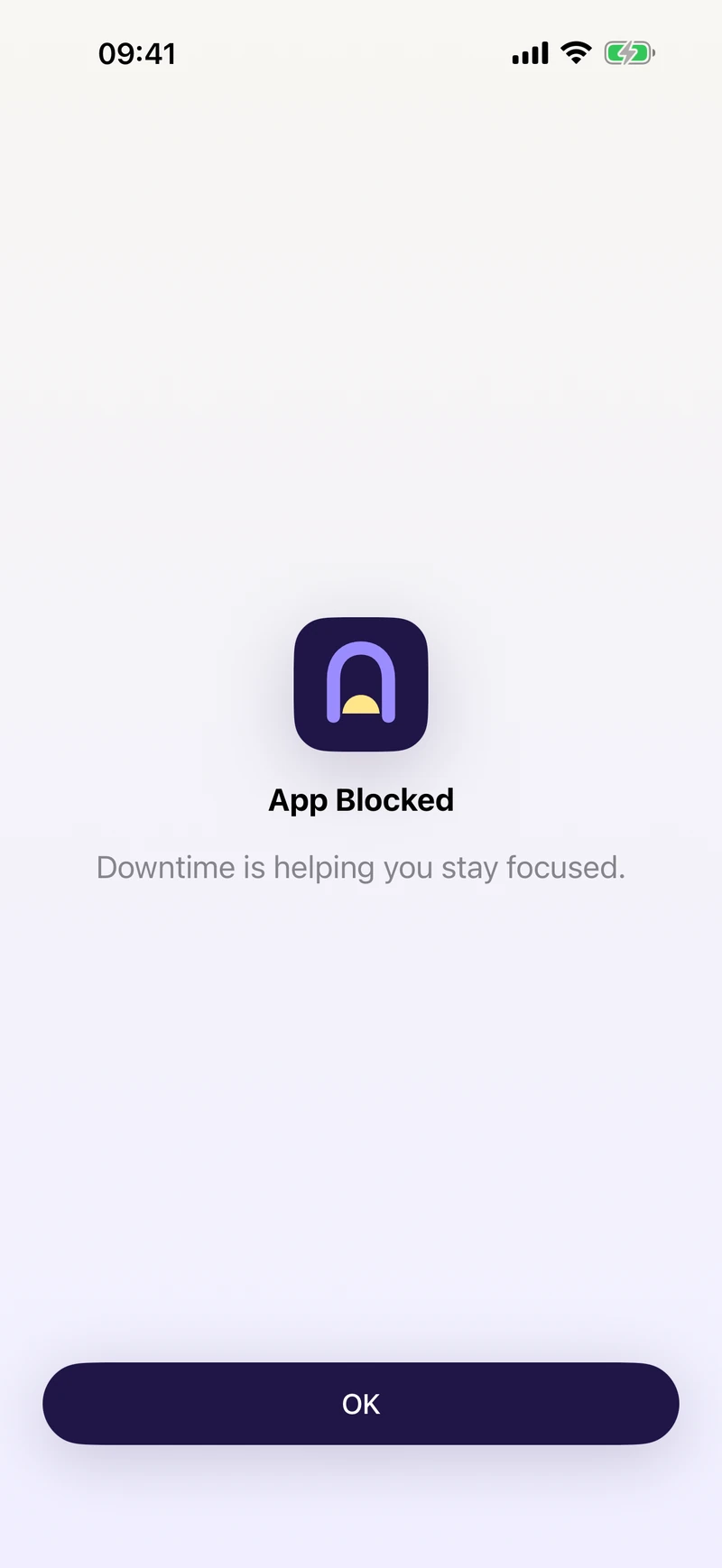
- Choose the websites you want to block using Apple's built-in controls.
- Put those websites on the same schedule as distracting apps.
- Use different rules for work, study, evenings, or weekends.
- Keep your schedules and selections on your device.
Add both the app and its website to one schedule when you want both routes blocked.
Best use cases for website blocking
Study sessions
Block Reddit, YouTube, or other high-distraction websites while you work through revision or homework.
Workday focus
Keep news, social, or shopping websites unavailable during your core work hours.
Night routines
Block distracting websites after a set time to protect your sleep.
App plus browser coverage
Block an app and its website together on the same schedule.
Start free. Choose the Pro plan that suits you.
Downtime includes one blocking rule for free. Pro adds multiple rules, instant Lockdown, Essentials Mode, Strict Mode, daily pause allowances, and configuration backup and restore. Choose monthly access or a one-time lifetime purchase. Compare Free and Pro.
Start blocking immediately
Pro’s Lockdown applies the selections in your enabled rules now, including websites, without waiting for their scheduled hours. Essentials Mode works differently: you choose individual apps to keep available. Learn about the blocking modes.